Starting Something New: Build a Simple Workflow Foundation
Starting something new can feel overwhelming. Learn a simple workflow foundation, app stack, and priority system to build confidence and stay consistent.
Writing note: I am dyslexic. You may notice occasional language or grammar mistakes. My aim is to create content that is helpful, relatable, and easy to read.
Plain reading is on by default. Turn on hints only if you want short definitions for a few technical terms.
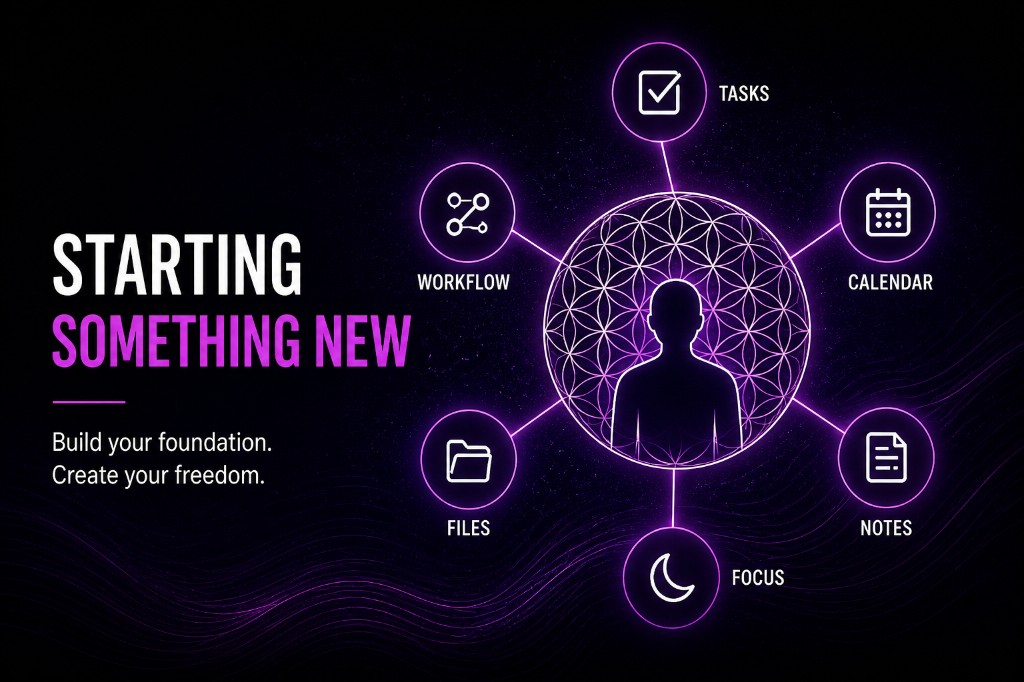
This space empowers anyone starting something new.
My goal is to help you build confidence, master essential tools, and create a project or business that fits your abilities, energy, and desired work-life balance.
My name is Tom. I believe that anyone with the passion to create something for themselves or others deserves the opportunity and the tools to succeed, no matter their tech skills, education, or business experience.
I am dyslexic and neurodivergent. For years, I saw that as a weakness, but it never stopped my drive to succeed. Now, I view these parts as strengths.
Through my experience with Apple UK and as a support worker, I have seen how powerful it is when people have the right tools and support. That is why I want to help anyone who wants to create something for themselves.
Why Your Foundation Matters
Before you think about branding, websites, or social media, the most important thing you can build is your foundation. This is the system that supports you behind the scenes. If you want help choosing your branding direction later, read What Is Branding? A Simple Guide for New Businesses and Creators.
When you start something new, it is easy to focus on the exciting parts, but your workflow is what keeps everything moving when life gets busy or overwhelming.
How Structure Helps Your Mind
For me, having a strong foundation reduces distraction and supports focus. A clear system gives my brain room to breathe and stops things slipping through the cracks, keeping me consistent even when motivation is low or life feels chaotic.
What an App Stack Is
Your app stack is the set of tools you use to run your work. It does not need to be complicated or expensive. The simpler, the better.
The goal is to build a workflow where everything has a place, everything connects, and nothing gets lost.
If you want a practical, low-cost stack to build that with, I wrote Build a Simple Productivity App Stack for Remote Work next.
My Setup and Why It Works
A Separate Space for Work
I use a separate user profile on my computer for work. This stops personal apps and notifications from pulling me off track.
Focus Modes on My Phone
My phone switches into a focus mode when I need to concentrate. This keeps my attention where it needs to be.
Notion as My Command Center
Inside Notion, I have a workspace that holds my tasks, notes, projects, files, and links to everything else I use.
Connected Tools
Google Drive holds my documents. My Google Calendar sits inside Notion, so I can see my day without switching apps.
Daily Tasks That Build Routine
I have a task database that automatically generates my daily routines. This includes repeated work, social media engagement, and email cleanup. These are the boring but essential things I would forget otherwise.
How I Prioritise My Work
To keep my days clear and manageable, I use a simple priority system. It helps me stay focused, avoid overwhelm, and make sure the important things always get done. This system works well for anyone who struggles with distraction or decision fatigue.
P1 Tasks
Must be done today
P1 tasks are the most important and must be completed daily. They appear as soon as I log in to my work profile.
My first P1 task every morning is always the same. I open my task list, create any new tasks for the day, and then prioritize everything. This gives me a clear plan before I start any real work. It stops me drifting and keeps my day structured.
P2 Tasks
Important and next in line
P2 tasks are still important, but they come after P1 tasks. These move work forward but do not need to be done immediately.
If the day gets busy, P2 tasks can be moved to tomorrow without issue.
P3 Tasks
Good to do, but not urgent
P3 tasks are helpful or nice-to-do and can be left for another day if needed. They fill the gaps when I have extra time or energy.
The Real Goal
This is not about being perfectly organised. It is about building a foundation that truly supports you. When your workflow is strong, you move from feeling overwhelmed to capable.
Once your structure is in place, creating and growing your idea becomes much easier.
When you are ready to turn that structure into a usable tool setup, start with Build a Simple Productivity App Stack for Remote Work. And if branding is the next question on your mind, What Is Branding? A Simple Guide for New Businesses and Creators will help you choose a clear direction without overthinking it.
When you are ready for the public-facing piece, custom websites and branding is the next step, or start from the Technomad homepage.
If you are ready for the next step, explore more practical guides on the TechNomad blog.
Feedback
Comments & usefulness
No account needed. Rate how useful this guide was and leave a comment, question, or note. Comments are public and stored for everyone reading this guide.
Comments
No comments yet. Be the first to leave a rating and note.